A smartphone
An Android phone. Install MOTO RIDES from Google Play and you are ready to book.
Live in Chuka, Embu and Meru
Rides, Food Dash and Scoobix parcels in one app. Pay with M-Pesa. Built for the towns along Mount Kenya.
Driver matched
Arriving in 4 min
Optimized corridor
Traffic-aware route simulation
In the app
 MOTO RIDES AIRides, meals and parcels, explained+
Open the app and start a chat
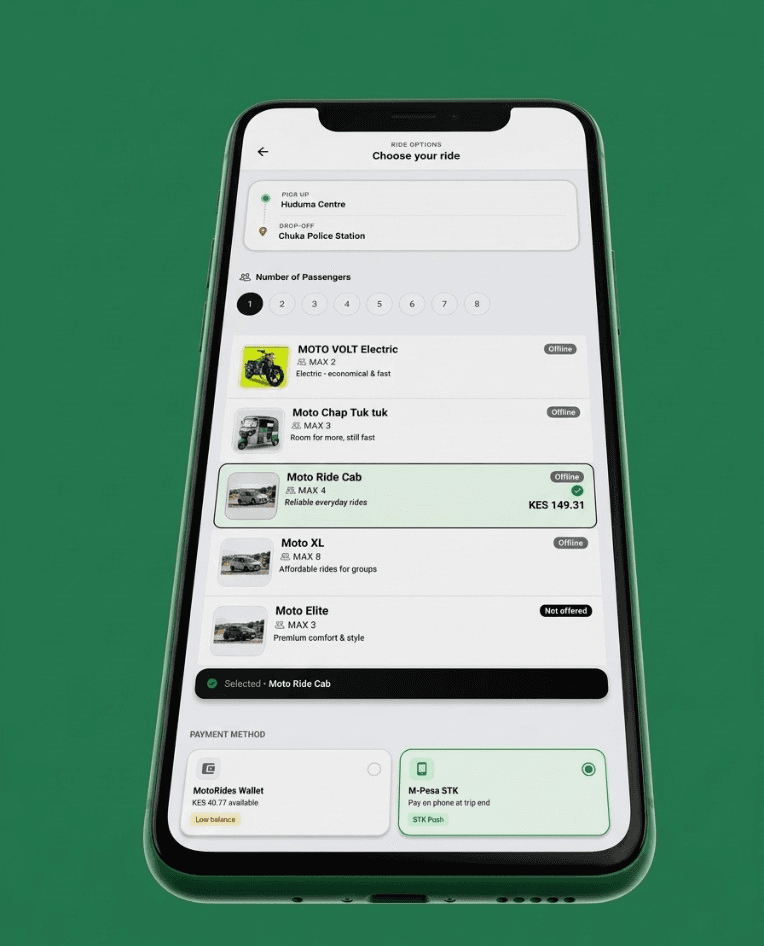
I need a ride from Huduma Centre to Chuka Police Station
Tell MOTO RIDES AI where you want to go. The Price to Pay is calculated in the app.

MOTO RIDES AI
I need a ride from Huduma Centre to Chuka Police Station
I found this trip:
MOTO RIDES AI explains the trip. Booking stays in the app.
About us
MOTO RIDES is a mobility network for Chuka, Embu and Meru. Riders choose a vehicle, kitchens sell through Food Dash, and parcels move with Scoobix Delivery. One app. M-Pesa in the same place you book.
Our mission
To connect these communities with safe, affordable, technology-driven movement — for people, meals and parcels.
“Founding MOTO RIDES as a student at Chuka University, I started with a simple problem: everyday movement still felt fragmented. I built one network for people, meals and parcels, paid with M-Pesa, and kept it close to the towns I know. Chuka, Embu and Meru are live. And I am still only getting started.”
 Alex Muhoro,Founder and CEO of MOTO RIDES
Google Play
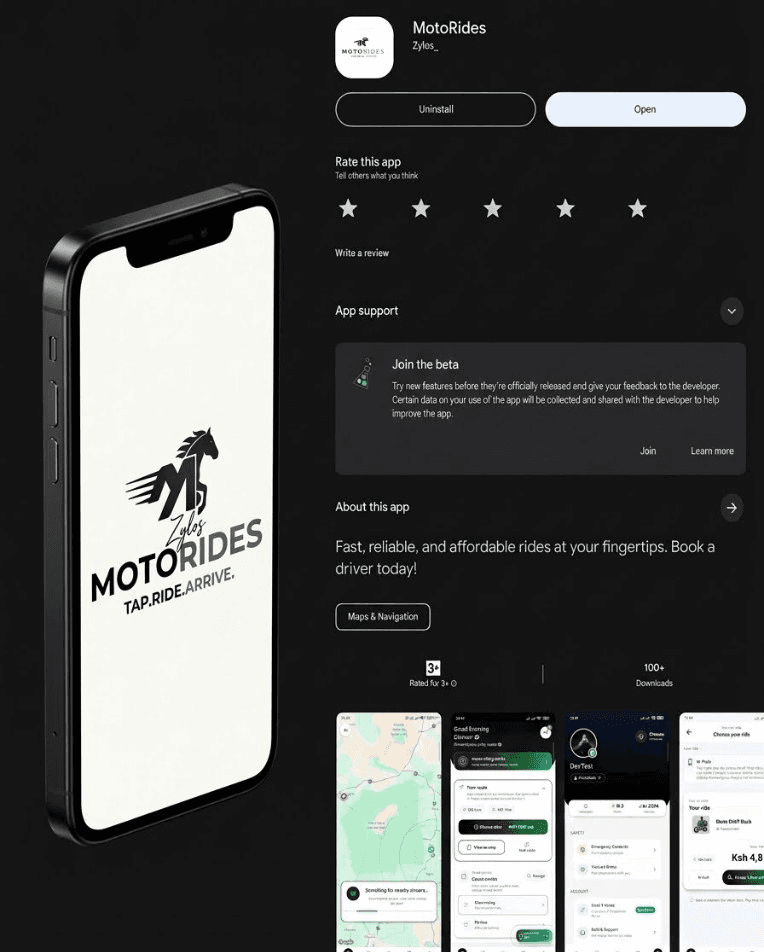
Book a ride, order Food Dash, or send a Scoobix parcel. The app is on Google Play.
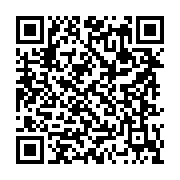
Scan to open the Play Store listing.
Five ride types. One Price to Pay. Live in Chuka, Embu and Meru, on Android.
Get MOTO RIDESFor riders
Registration is in the app. A few details, then you can request a ride, order food, or send a parcel.
An Android phone. Install MOTO RIDES from Google Play and you are ready to book.
The number on your account is also how you pay. Use a Safaricom line in the form +2547… or 07…
Add a password, then choose Student or Resident. Students enter a student ID. Residents do not.
Date of birth and national ID are optional for riders. You also accept the terms before the account is created.
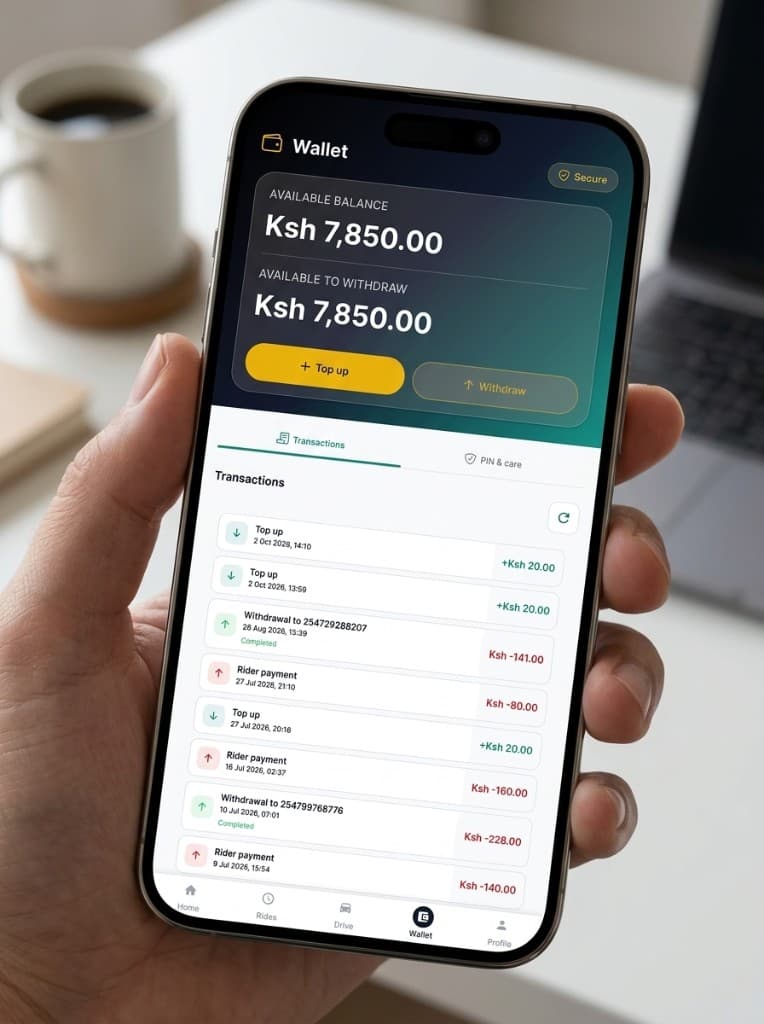
Drive for a few hours, or stay online longer. You choose the hours. The wallet shows what you earned, and M-Pesa is there when you want it.
Go online for a few hours, or stay on through the day. Ride requests, Food Dash and Scoobix sit in the same app.
Every settled fare lands in your MOTO RIDES wallet. You keep 82%. The platform keeps 18%.
Move money to M-Pesa whenever you want, wherever you are. Nothing waits until the end of the week.
The same app you book with is the app you earn with. Go online when you want work.
One profile for rides, Food Dash and Scoobix. Add your wallet, then lock withdrawals with a 4-digit PIN.
Get the app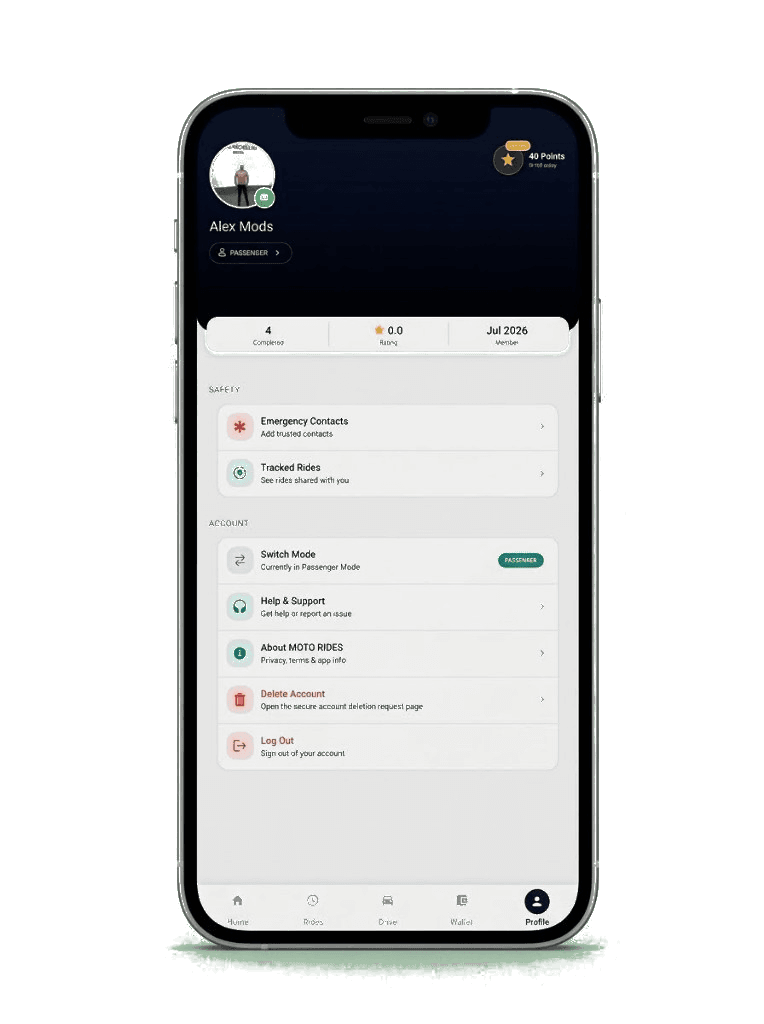
Wallet
The MOTO RIDES wallet holds what you earn and what you top up. Withdraw to M-Pesa at any time, from anywhere. You can also leave the balance there and use the wallet as savings.
For drivers
Driver registration uses the same Create Account screen. Choose Driver, then complete the licence and the vehicle.
With a valid licence and the plate number the app asks for.
Ride fares are collected in the app. Drivers keep 82% and the platform keeps 18%.
RIDES POINTS
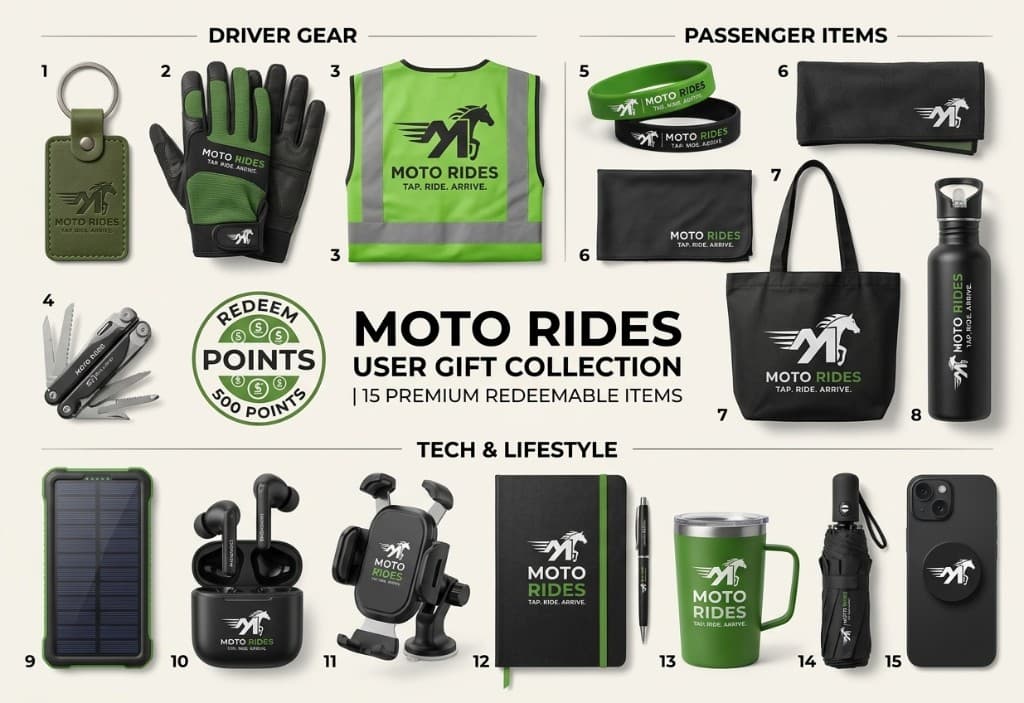
Riders and drivers both earn points when a ride is finished and the payment has settled. Open RIDES POINTS on your profile to see the balance, then redeem it for the gift collection.
The fare sets the points. A higher fare earns more. Trips under 0.5 km earn nothing, and the day stops at 150 points.
Your balance stays on your profile. From 600 points, each level opens a different set of MOTO RIDES gear and free rides over 7 km. Ride discounts and vouchers are still being added.
600+ pts
Caps, wristbands and small accessories
+2 free rides over 7 km
900+ pts
Shirts, polos and tees
+4 free rides over 7 km
1,200+ pts
Hoodies and premium layers
+7 free rides over 7 km
1,500+ pts
Full kit bundles and top draws
+10 free rides over 7 km
Services
Parcels
Food
Ordering a meal
Registering a kitchen
The app shows the driver’s name, rating, vehicle and number plate before the trip starts.
Pickup, drop-off and the live position stay visible for the whole ride.
Send a tracking link to the emergency contacts saved in the app.
The in-app alert reaches the safety team with the trip context. You can also call emergency services from that screen.
After the trip, rate honestly. Ratings are how we review behaviour on the network.
Drivers add a licence number, expiry date and vehicle plate before they can go online.
The map stays open while the ride is active.
A licence, an expiry date and a plate are required before a driver goes online.
Both sides of the trip can be reviewed through ratings.
Before
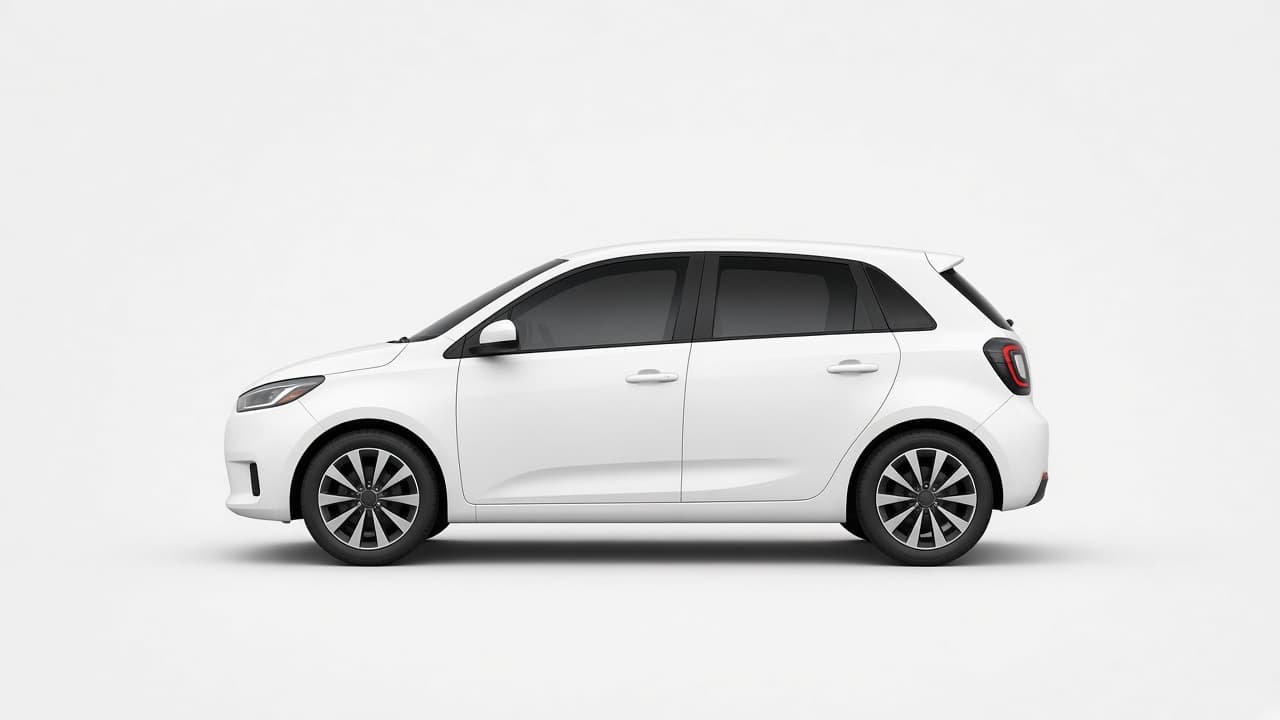
Check the vehicle and the number plate against the driver card in the app. If they do not match, do not board.
During
The ride stays on the map. Share a tracking link with your emergency contacts, or use Emergency Assist. That alert also notifies the safety team.
After
Tell us how the trip went. Honest ratings help the team review drivers and keep the next ride safer.